Journal entries
Double-entry, out in the open.
Most of your books fill in from the bank feed, invoices and bills. A journal entry covers the rest, like depreciation or a year-end adjustment, and it will not post until it balances, so the books stay right.
14-day free trial · No credit card required
Included in: Every paid plan
What it does
Debits and credits when you need them, with reversal, duplication and import.
Debits and credits, out loud
For the adjustments that do not come from a bank feed — accruals, corrections, owner contributions.
Reverse and duplicate
Reverse an entry rather than deleting history, and duplicate a recurring adjustment instead of retyping it.
Import in bulk
Bring a batch of entries in from a spreadsheet or your old system.
How it works
How journal entries works
- 1
Open a new entry
Date, memo, and the accounts involved.
- 2
Balance it
Debits must equal credits — the entry will not post otherwise.
- 3
Post it
It appears in the general ledger and flows through to your statements.
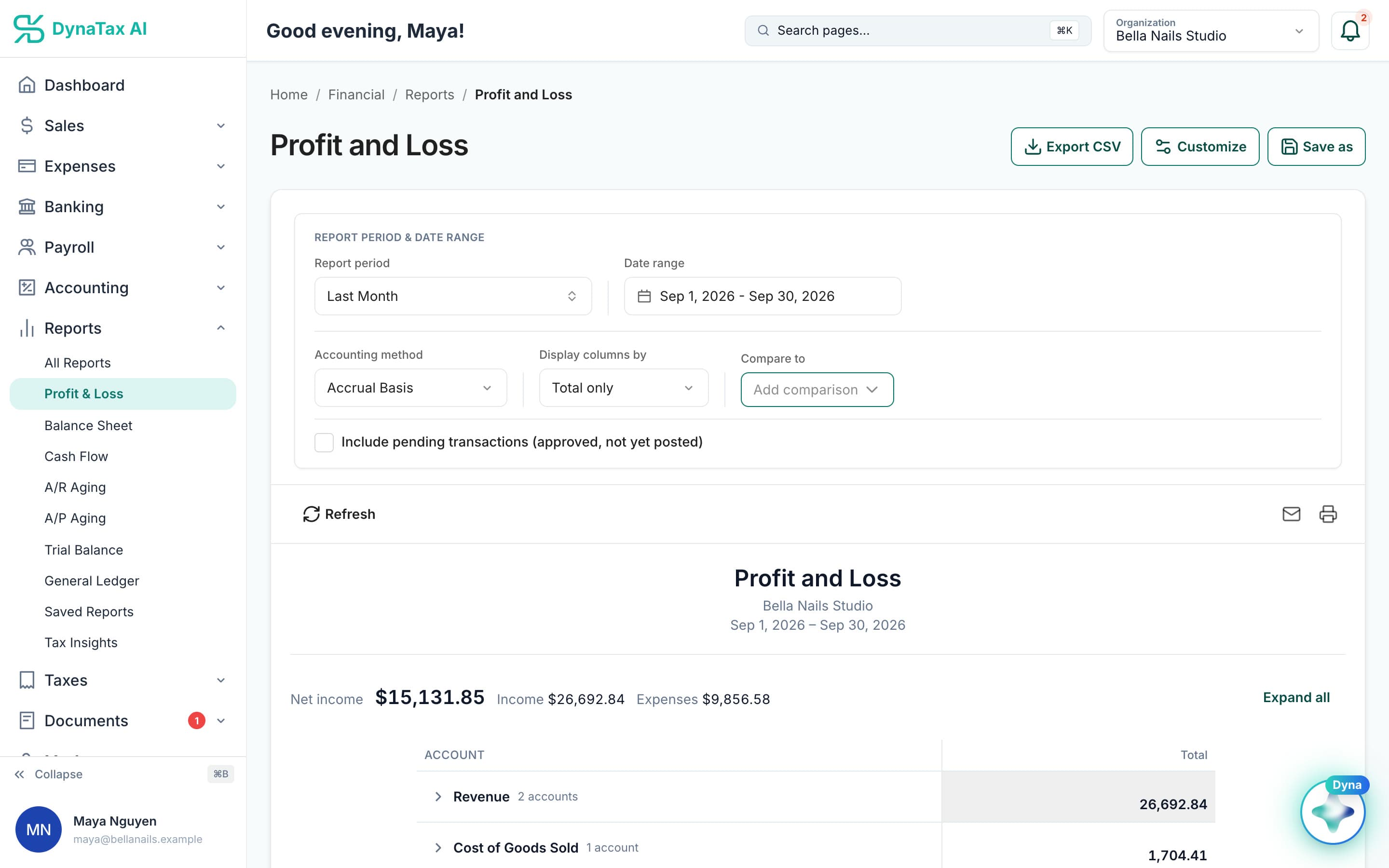
Posted entries show up in the General Ledger and every statement.
The details
Journal entries, in detail
Draft before you post
Save an entry as a draft while you work it out, or while it waits for your accountant. A draft changes nothing on your reports until it is posted.
Reversed or voided, never erased
Cancel a posted entry with a reversal, and both entries stay visible. Void it, and the record is kept for the audit trail. A report you already shared is never silently changed.
Closed months are protected
An entry cannot post into a month that has been closed, from this screen or any automated flow. Reopen the period, or post the correction in the current one.
Opening balances too
Starting with DynaTax AI partway through your business’s life? Opening balance entries bring your starting position in, so your balance sheet begins where the old books ended.
Trust
Your books, on your terms
Read-only bank connection
You sign in on your bank’s own screen. DynaTax AI can see balances and transactions. It can’t move money.
You stay in control
Nothing posts without your approval, except merchants you’ve already confirmed above the auto-post threshold.
Your data isn’t training data
Your data isn’t used to train AI unless you turn on Allow AI Training. It’s off by default.
A professional when you want one
Invite your own CPA into your books, or find one in the marketplace. Dyna’s answers are general information, not professional advice.
Plans
Where journal entries is included
Every paid plan. Every plan starts with a 14-day free trial, no credit card required. Pay yearly and get 12 months for the price of 10.
Bring your books with you: import transactions, your chart of accounts, opening balances, customers, vendors, invoices and bills from CSV, Excel or a QBO/OFX bank download. Switching from QuickBooks
- Starter$29 / month · 1 user
- GrowthRecommended$49 / month · 3 users
- Pro$99 / month · 10 users
Related features
Works well with
FAQ
Journal entries questions
Run your business. Live your life.


Try journal entries with your own books for 14 days. Less time on the books, more time for everything else.
No credit card required