AI tax chat for the questions that can’t wait
The question you would text your accountant at 11pm.
Get a straight answer to the everyday tax question without waiting for business hours. Dyna answers in plain English with its sources listed, so you can move on with your day and save your accountant’s time for the big decisions.
14-day free trial · No credit card required
Included in: Every plan, within your monthly AI allowance
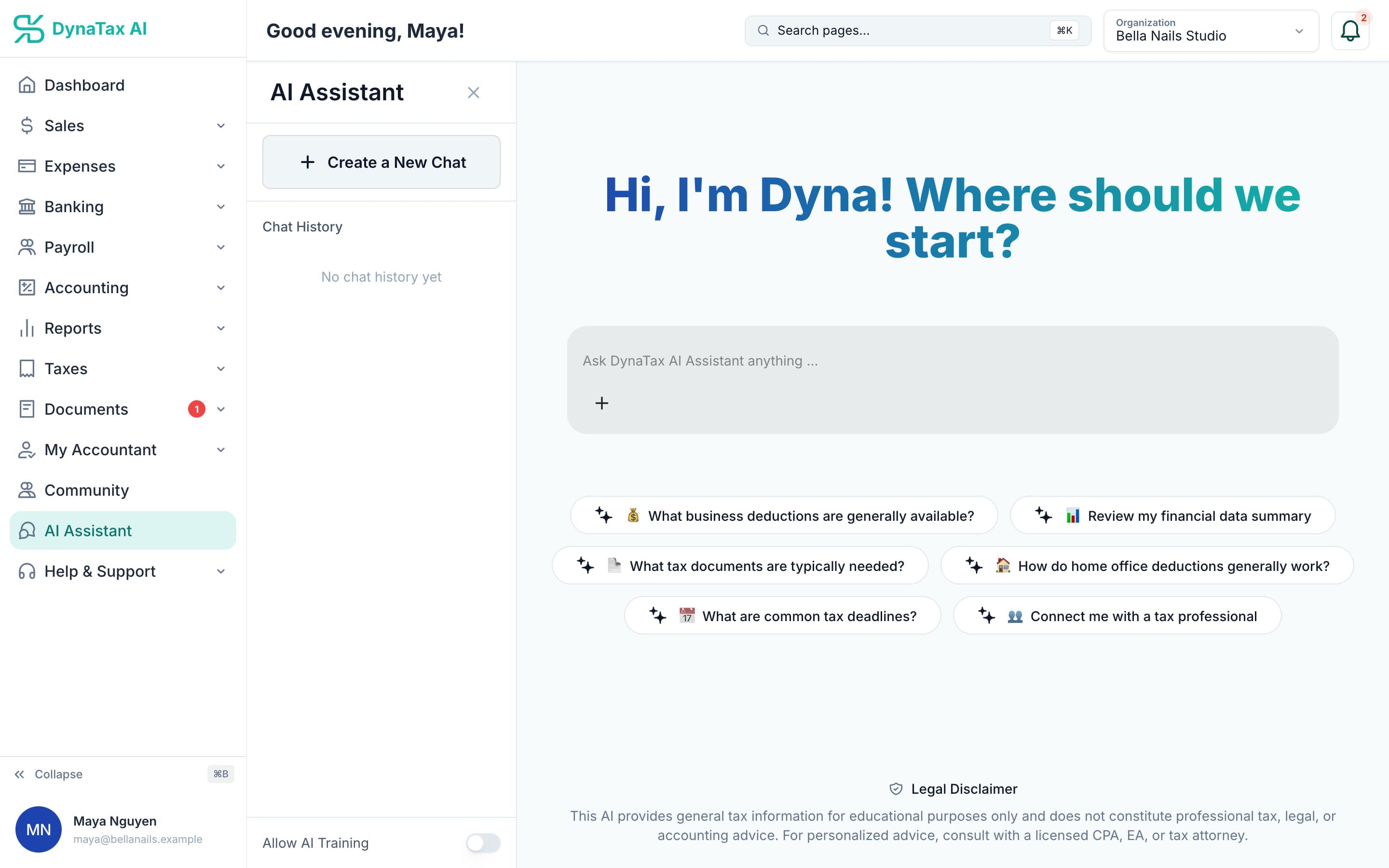
Ask in plain English, or start from a suggested question.
What it does
Ask Dyna a tax or bookkeeping question in plain English. It answers with its sources, and can review a summary of your numbers.
Plain English
Ask the way you would ask a person, not the way you would search a help site.
Sources listed
Each answer lists its sources, and Dyna can review a summary of your financial data. It is general information, not professional advice.
Always available
The 11pm question does not have to wait for business hours.
How it works
How AI tax chat works
- 1
Ask
Type the question — about a deduction, a category, or what a number means.
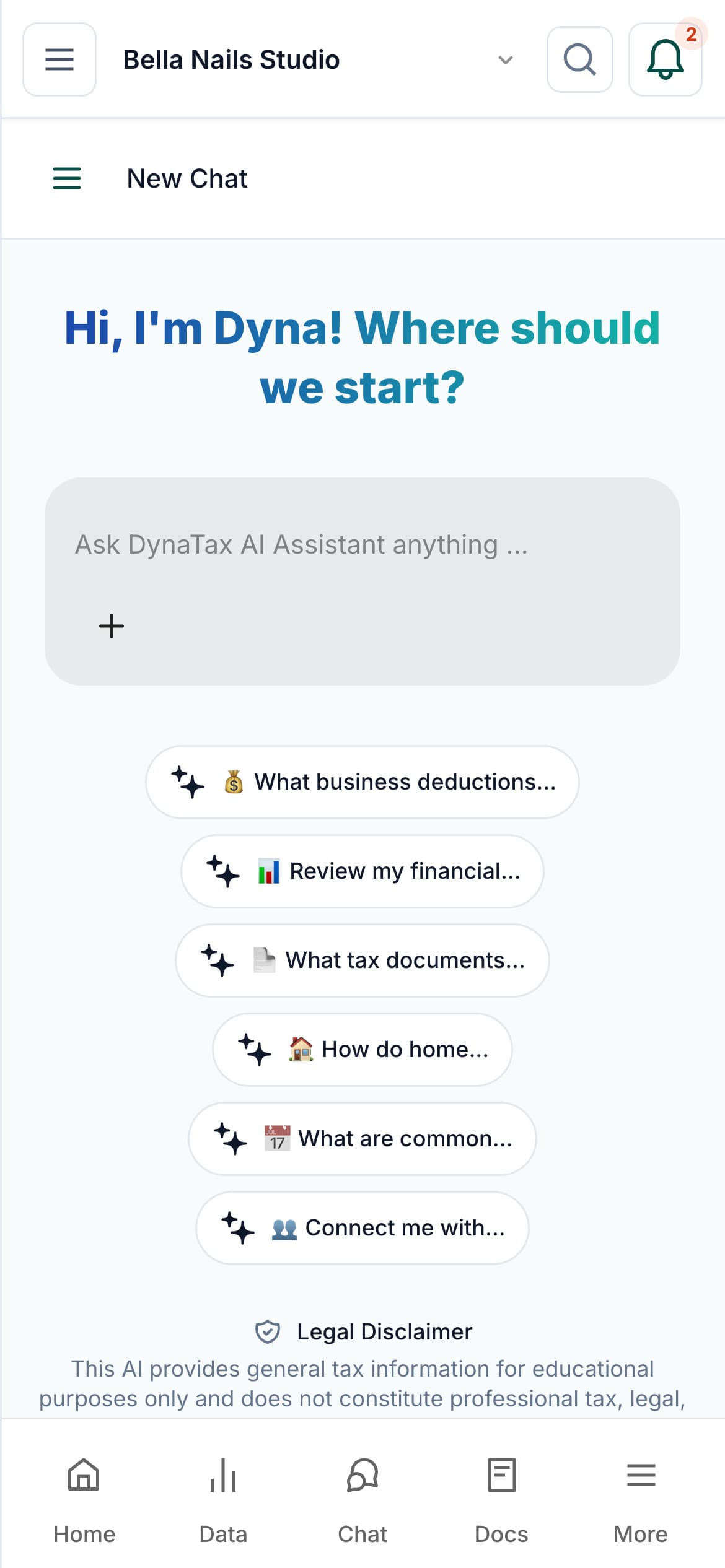
Ask Dyna from your phone.
- 2
Read the answer
With its sources listed, so you can check them.
app.dynatax.ai/client/…/chatDyna can review a summary of your financial data. Answers are general information.
- 3
Connect with a tax professional
For anything consequential, invite your own CPA or find a tax professional in the DynaTax AI marketplace.
app.dynatax.ai/client/…/chatWhen it matters, connect with a tax professional.
The details
AI tax chat, in detail
Start with a suggestion
Not sure what to ask? Suggested questions cover common ground: which business deductions are generally available, which tax documents are typically needed, how home office deductions work, and common tax deadlines.
Answers about your numbers
Ask Dyna to review your financial data summary. It reads a summary from your ledger, including income, expenses, net income, balances, a quarterly breakdown and your top categories.
Your conversations, kept
Each conversation is saved in your chat history, so you can pick up a question where you left off or start a new chat for a new topic.
Not used for training
Your data isn’t used to train AI unless you turn on Allow AI Training, a switch on the chat screen. It is off by default.
Trust
Your books, on your terms
Read-only bank connection
You sign in on your bank’s own screen. DynaTax AI can see balances and transactions. It can’t move money.
You stay in control
Nothing posts without your approval, except merchants you’ve already confirmed above the auto-post threshold.
Your data isn’t training data
Your data isn’t used to train AI unless you turn on Allow AI Training. It’s off by default.
A professional when you want one
Invite your own CPA into your books, or find one in the marketplace. Dyna’s answers are general information, not professional advice.
Plans
Where AI tax chat is included
Every plan, within your monthly AI allowance. Every plan starts with a 14-day free trial, no credit card required. Pay yearly and get 12 months for the price of 10.
Bring your books with you: import transactions, your chart of accounts, opening balances, customers, vendors, invoices and bills from CSV, Excel or a QBO/OFX bank download. Switching from QuickBooks
- Starter$29 / month · 1 user
- GrowthRecommended$49 / month · 3 users
- Pro$99 / month · 10 users
Related features
Works well with
FAQ
AI tax chat questions
Run your business. Live your life.


Try AI tax chat with your own books for 14 days. Less time on the books, more time for everything else.
No credit card required