Products & services
Price it once. Invoice it a hundred times.
Type a price once and never hunt for it again. Your list of products and services fills in every invoice, estimate and credit memo the same way, so billing a regular customer takes seconds.
14-day free trial · No credit card required
Included in: Every paid plan
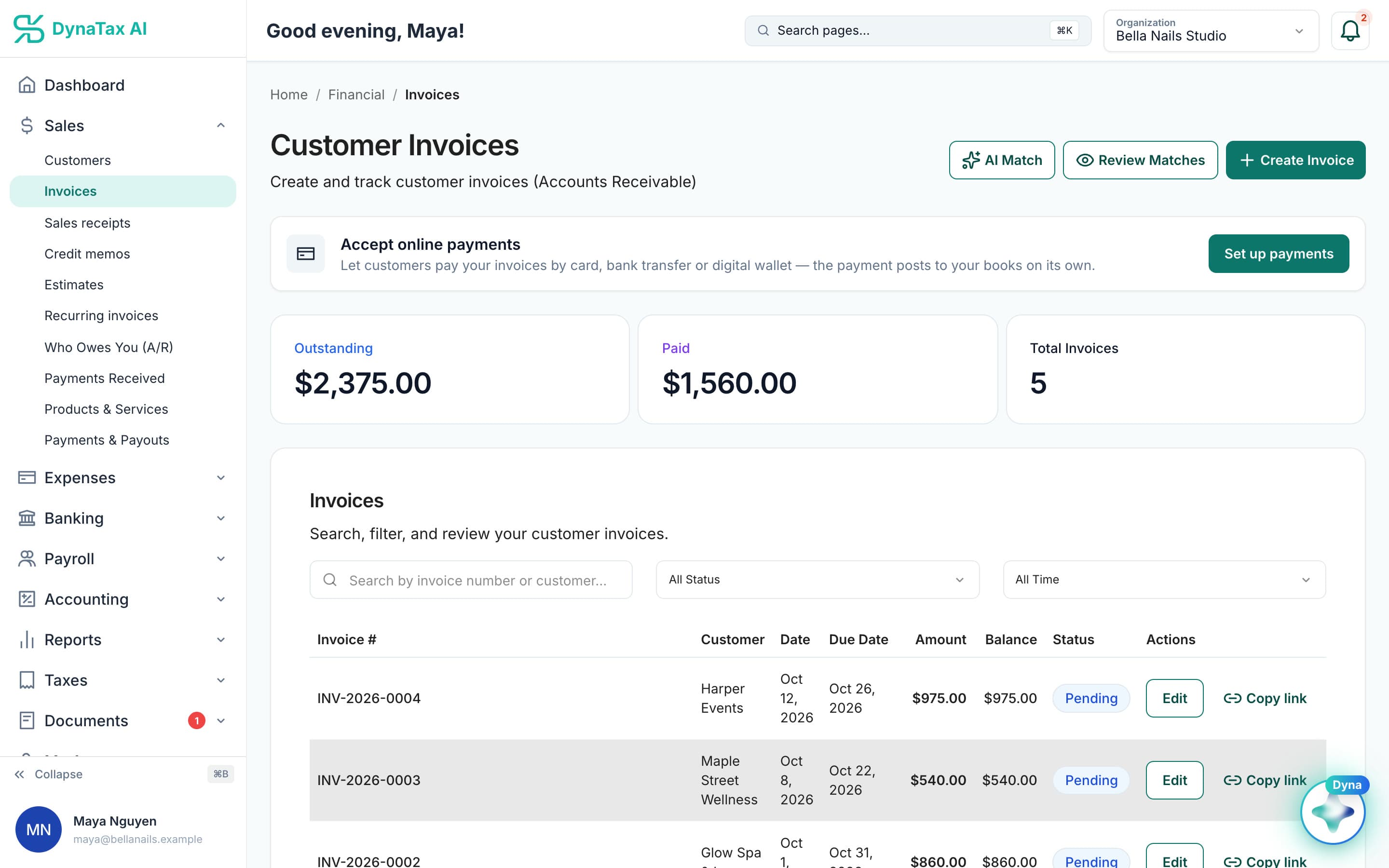
The invoices your products and services fill in. Sample data.
What it does
The things you sell, priced once, ready to drop onto any invoice.
Priced once
Set the name, description and price once; every invoice pulls from the same list.
One list for every sale
The same list feeds your invoices and other sales documents, so nothing is retyped and totals add up.
Consistent on the page
Customers see the same wording every time instead of whatever was typed that day.
How it works
How products & services works
- 1
Add what you sell
A service, a product, or both.
- 2
Give it a price
The rate and a description your customers will recognise.
- 3
Use it on invoices
Pick it from the list; quantity and total fill themselves in.
The details
Products & services, in detail
Product or service
Each item is marked as a product or a service, with a name, a description your customer sees and a unit price. Add a SKU for products if you track them by code.
Taxable, item by item
Mark each item taxable or not. That flag carries onto every invoice line, so sales tax is charged where it should be and your taxable sales reports add up.
Linked to stock
On plans with inventory, link an item to an inventory item. Selling it then moves stock and cost through your books instead of being a line of text on an invoice.
Retire without deleting
Set an item inactive when you stop selling it, instead of deleting it. Invoices that already used it keep the wording and price they were sent with.
Trust
Your books, on your terms
Read-only bank connection
You sign in on your bank’s own screen. DynaTax AI can see balances and transactions. It can’t move money.
You stay in control
Nothing posts without your approval, except merchants you’ve already confirmed above the auto-post threshold.
Your data isn’t training data
Your data isn’t used to train AI unless you turn on Allow AI Training. It’s off by default.
A professional when you want one
Invite your own CPA into your books, or find one in the marketplace. Dyna’s answers are general information, not professional advice.
Plans
Where products & services is included
Every paid plan. Every plan starts with a 14-day free trial, no credit card required. Pay yearly and get 12 months for the price of 10.
Bring your books with you: import transactions, your chart of accounts, opening balances, customers, vendors, invoices and bills from CSV, Excel or a QBO/OFX bank download. Switching from QuickBooks
- Starter$29 / month · 1 user
- GrowthRecommended$49 / month · 3 users
- Pro$99 / month · 10 users
Related features
Works well with
FAQ
Products & services questions
Run your business. Live your life.


Try products & services with your own books for 14 days. Less time on the books, more time for everything else.
No credit card required