E-signature, built in
Signatures without a second subscription.
Stop printing, signing, scanning and emailing back. Signers sign from a link on a phone or a laptop, reminders go out on the schedule you set, and the signed copy files itself in the document vault for both sides.
14-day free trial · No credit card required
Included in: Every plan
What it does
Documents sent for signature, signed in the browser and tracked to signed — engagement letters, returns, anything.
Ours, not a bolt-on
The signing engine is part of the platform, so there is no separate seat, envelope bundle or vendor login.
PDF and Word
Send a PDF, or a Word document that is converted for signing.
Signed copies land in the vault
The executed document files itself where both sides can find it.
How it works
How e-signature works
- 1
Upload the document
PDF, or a Word file that is converted for signing.
- 2
Place the fields
Signature, initials, date and text fields, per signer.
- 3
Send and track
Signers get a link; you watch it move from sent to signed, and the executed copy files itself.
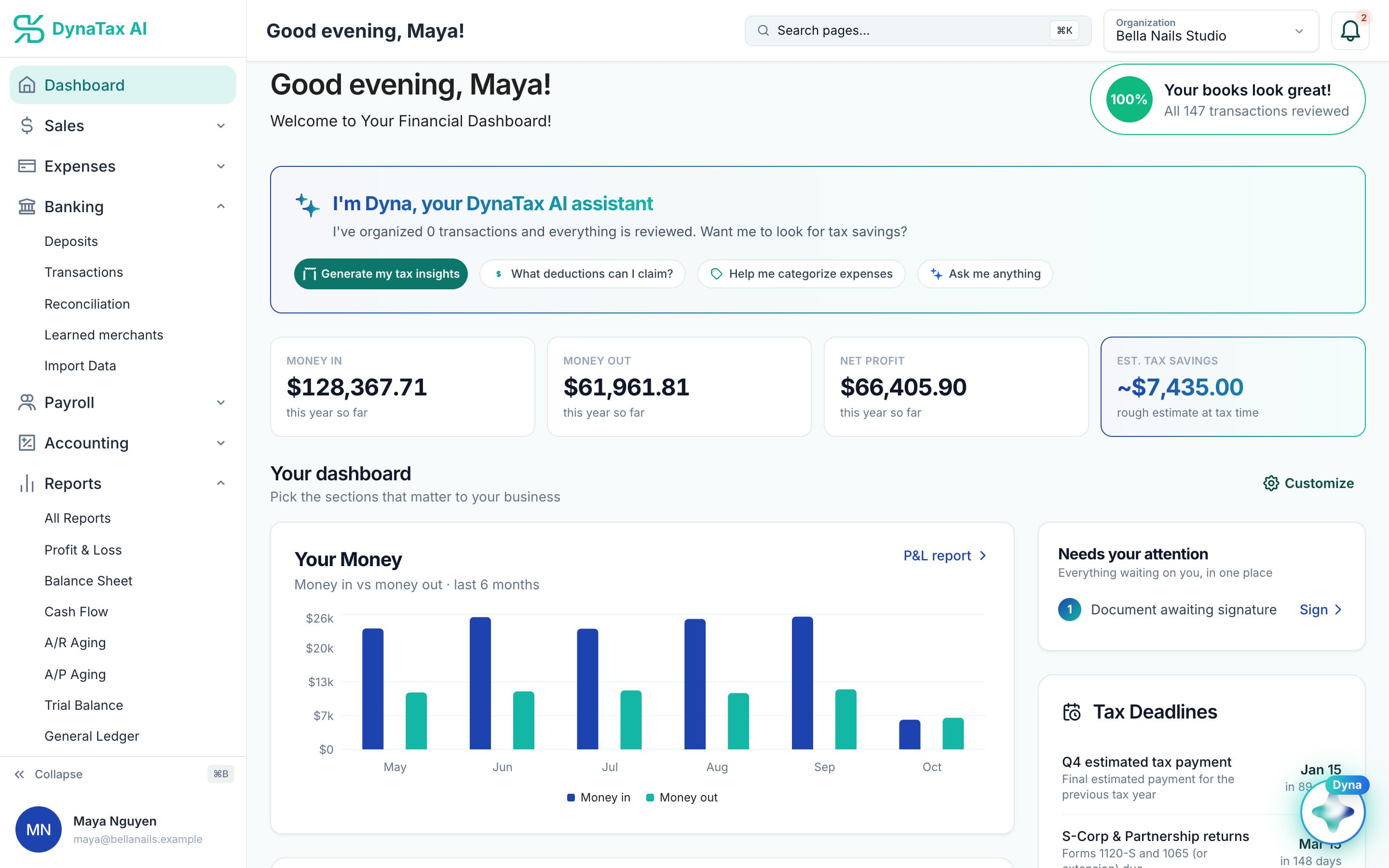
A document waiting for a signature shows up on the dashboard.
The details
E-signature, in detail
Built in-house
E-signature is built and run by DynaTax AI, with no third-party signing vendor in the loop. The signing page, the signed PDF and the audit trail all come from the same platform your documents already live in.
Signing order and access codes
Add as many signers as the document needs and, if it matters, have them sign in order. For a sensitive document, require a one-time code sent by text before a signer can open it. A signer who tries out of turn is told who goes first.
Reminders and expiry you set
Each request stays open between 1 and 90 days, 14 by default. Turn on automatic reminders, choose who receives them, and set up to three rules. Reminders stop on their own once everyone has signed.
A certificate on every signed PDF
Each completed document carries a certificate of completion and audit trail: who signed, how their identity was checked, when, and an event log of every step. Anyone holding the file can confirm it on a public verification page.
Trust
Your books, on your terms
Read-only bank connection
You sign in on your bank’s own screen. DynaTax AI can see balances and transactions. It can’t move money.
You stay in control
Nothing posts without your approval, except merchants you’ve already confirmed above the auto-post threshold.
Your data isn’t training data
Your data isn’t used to train AI unless you turn on Allow AI Training. It’s off by default.
A professional when you want one
Invite your own CPA into your books, or find one in the marketplace. Dyna’s answers are general information, not professional advice.
Plans
Where e-signature is included
Every plan. Every plan starts with a 14-day free trial, no credit card required. Pay yearly and get 12 months for the price of 10.
Bring your books with you: import transactions, your chart of accounts, opening balances, customers, vendors, invoices and bills from CSV, Excel or a QBO/OFX bank download. Switching from QuickBooks
- Starter$29 / month · 1 user
- GrowthRecommended$49 / month · 3 users
- Pro$99 / month · 10 users
Related features
Works well with
FAQ
E-signature questions
Run your business. Live your life.


Try e-signature with your own books for 14 days. Less time on the books, more time for everything else.
No credit card required